
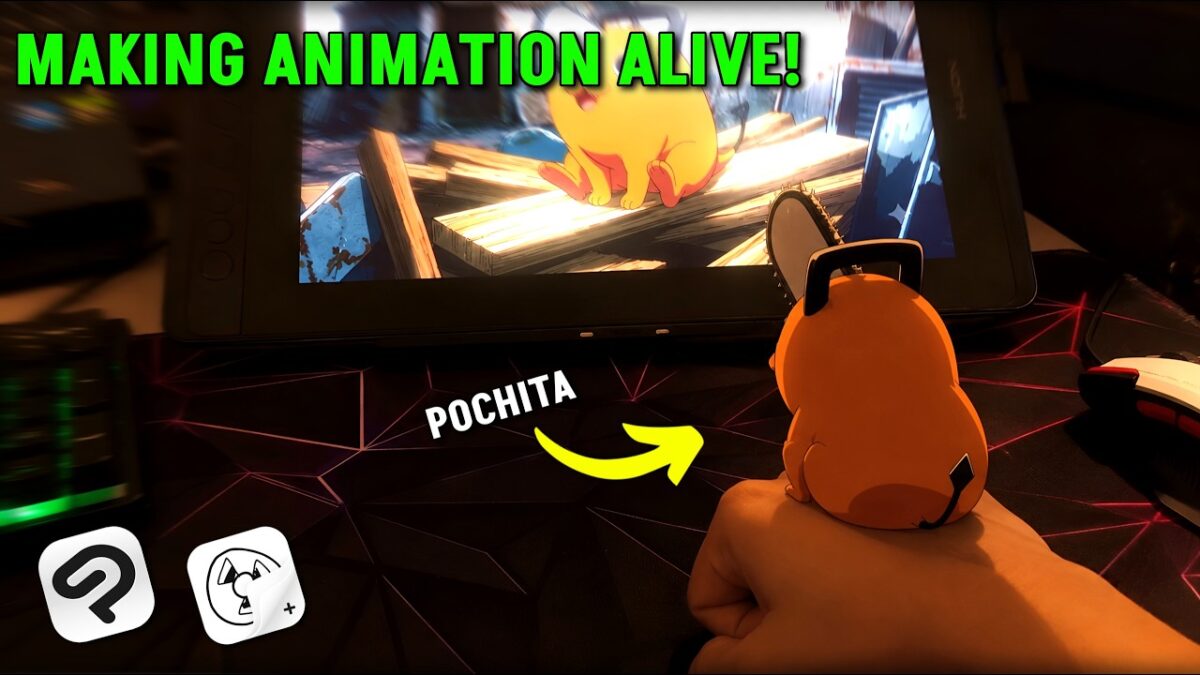
I Brought Pochita Into the Real World! (2D Live-Action Animation Tutorial)
Hello animators! In this tutorial, I’ll show you how I animated Pochita from Chainsaw Man and brought him into the real world using Clip Studio Paint for PC and Flipaclip for mobile.
I’ll take you through the process of recording real footage, animating Pochita from scratch, understanding the lighting and shadows and making Pochita interact with my hand.
I hope you enjoy this video! Don’t forget to like, subscribe, and share it with your animator friends! ———————————————————————————-
◆ Instagram: https://instagram.com/pg_animation_yt
◆ My Setup
Laptop: https://link.amazon/B08yyA2Rv
Display Pen Tablet: https://link.amazon/B0a8Wz2Yy
Monitor: https://link.amazon/B03ngTluP
First mic: https://link.amazon/B0hEjzoGP
Second mic: https://link.amazon/B0h37LxgCmou
Mouse: https://link.amazon/B09wFiS2Y
Keyboard: https://link.amazon/B0jkqaGqD
———————————————————————————-
Timestamps:
00:00 Intro
00:28 Story & Video Recording
01:36 Drawing Pochita for practice
02:01 Understanding the layer order
02:28 Project Setup (CSP & Flipaclip)
03:22 Pochita’s rough animation
08:29 Pochita’s final outline
11:23 Pochita’s tail animation
12:56 Understanding lighting & shadow
13:25 Coloring Pochita
17:43 Coloring Pochita’s tail
18:08 Adding Pochita’s shadow on table
19:04 Fixing finger interaction
20:17 Final Results & Problems!
———————————————————————————-
Background Music by Beco:
https://soundcloud.com/baron1_3
https://youtube.com/@noiseless_world?si=7rjg_E1HRwz0krky
———————————————————————————-
#flipaclip #chainsawman #pochitachainsawman #clipstudiopaint #2danimation